

CertificationPersonal mentor100% online

Become a UI & Visual Designer100% online, with a personal mentor and certification

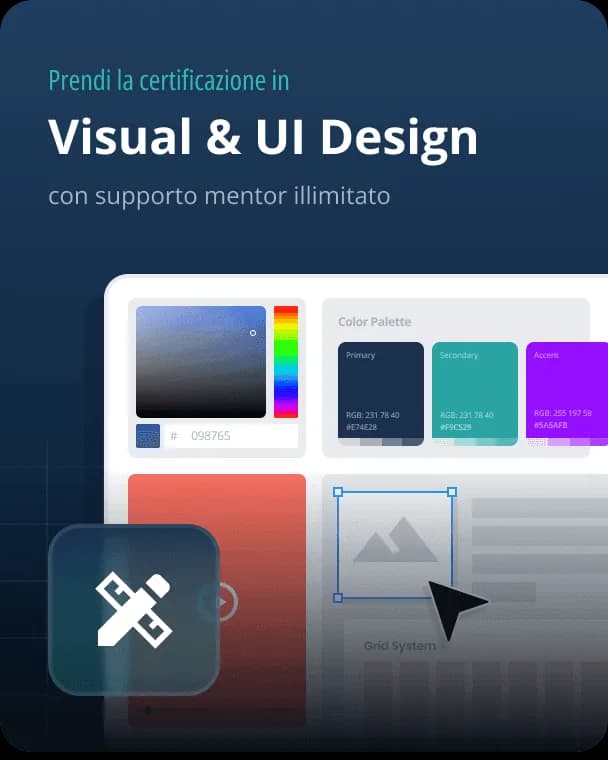
A path to master visual design applied to UX: visual hierarchy, typography, color, accessibility, UI kits and design systems, all the way to interface animations.
4.8/5
UI & Visual Design Course
What you'll learn

UI & Visual Design Course

Build visual hierarchy

Gestalt principles, scanning patterns and the golden ratio to guide the user's eye.

Master typography and color

Type scales, legibility, the 60-30-10 rule and gradients for clean interfaces.

Design accessible interfaces

Contrast, focus indicators, touch targets and cognitive accessibility for everyone.

Create UI kits and design systems

Components, states, naming and documentation for scalable, consistent design.

Define a style guide and moodboard

Moodboards, style tiles and style guides to give the project visual consistency.

Animate the interface

Microinteractions and animations with Framer, Principle and Figma to improve UX.

Career outcomes

What a UI / Visual Designer does

L'UI / Visual Designer cura l'estetica delle interfacce: tipografia, colore, gerarchia visiva e design system di prodotto.

Salaries (gross annual salary, Italy)

Junior · 0–2 years

€22–30k

Mid · 2–5 years

€30–42k

Senior · 5+ years

€38–55k

Source: Crebs Salary Guide 2026 (~3,000 professionals surveyed) and Glassdoor Italy 2026 averages. Figures are indicative and vary by company size, location and benefits.

What they do day-to-day
  • Disegna interfacce ad alta fedeltà coerenti con il brand
  • Costruisce e mantiene il design system (componenti, token, librerie Figma)
  • Cura accessibilità, contrasto e responsive layout su mobile/desktop
  • Lavora a stretto contatto con sviluppo per garantire la pixel-perfect implementation
Companies hiring in Italy
Bending SpoonsSatispayReplySaatchi & SaatchiWieden+KennedySpotifyAccenture

The program

Course program

12 chapters · 99 lessons · 35 hours

1

Visual Design Course

2 lessons

1 free
2

Visual Design

4 lessons

  • What is Visual Design
  • Visual Design applied to UX
  • Tips for the first exercise
  • Practice: create a digital product
3

Visual hierarchy

7 lessons

  • Hierarchy in design
  • Gestalt principles in design
  • Scanning patterns
  • F pattern vs Z pattern
  • Applying the golden ratio
  • Practice (optional): how to draw the golden ratio
  • Practice: visual hierarchy
4

Design for accessibility

12 lessons

  • Accessibility: designing accessible sites and apps
  • Accessibility: color and contrast
  • Accessibility: text and typography
  • Accessibility: images and visual content
  • Accessibility: focus indicators
  • Accessibility: touch targets & hit areas
  • Accessibility: consistent visual states
  • Accessibility: cognitive accessibility
  • Contrast for accessibility
  • Focus indicators: a crucial element for accessibility
  • Image accessibility
  • Supporting keyboard navigation
5

UI fundamentals

33 lessons

  • UI Design basics
  • Principles: typography 1
  • Principles: typography 2
  • Principles: typography 3
  • Principles: typography 4
  • Tips & tricks: type scales
  • Tips & tricks: how to improve text legibility
  • Tips & tricks: uppercase
  • Principles: color 1
  • Principles: color 2
  • Tips & tricks: 60-30-10, the color rule
  • Tips & tricks: gradients
  • Principles: balance
  • Principles: alignment
  • Principles: whitespace
  • Principles: proximity
  • Principles: symmetry in UX & UI
  • Principles: patterns
  • Interfaces: elements
  • Interfaces: grids and layout
  • Interfaces: icons
  • Interfaces: buttons
  • Tips & tricks: thumb zone
  • Tips & tricks: touch target
  • Tips & tricks: link or button
  • Interfaces: forms
  • Interfaces: dropdowns
  • Tips & tricks: input fields
  • Interfaces: navigation
  • Interfaces: search
  • Interfaces: modals
  • Interfaces: hero sections
  • Interfaces: cards
6

Designing wireframes

10 lessons

  • Wireframes overview
  • Wireframes: low and high fidelity
  • Introduction to responsive design
  • Mobile-first approach
  • Leveraging grids in layout
  • Designing with 8px grids
  • Bootstrap grids
  • Practice (optional): pen-and-paper wireframe
  • Wireframing Kit
  • Practice: high-fidelity wireframe
7

Style guide and moodboard

9 lessons

  • Introduction to the style guide
  • Moodboard: definition and use
  • Moodboards: what are they?
  • Practice: create a moodboard
  • Style tiles vs moodboards
  • Style tiles vs style guide
  • Practice: create a style guide
  • Types of moodboard
  • Style tiles: key visual elements
8

Hands-on prototyping session

1 lessons

  • Practice: add color and typography to the wireframe
9

The UI Kit

5 lessons

  • Design states: how to handle them
  • Guidelines for naming elements
  • Create an effective UI kit
  • Practice: UI kit
  • Introduction to design systems
10

Design and collaboration

3 lessons

  • Collaborating with other designers
  • How to create documentation for developers
  • Exporting and creating assets
11

UI animations

9 lessons

  • The importance of animations in UX
  • Types of animations to improve the user experience
  • Framer: create your first animation
  • Framer: second animation (intermediate)
  • Framer: 3 advanced animations
  • Principle: create your first animation
  • Principle: create your second animation
  • Principle: 2 advanced animations
  • Figma: animation using GIFs
12

Build your portfolio

4 lessons

  • Tips for building a UX Designer portfolio
  • Practice: build your portfolio
  • Final review
  • Course and student assessment
Mentors & Authors

Your mentors

Industry professionals who guide you step by step throughout the whole journey.

Luca Longo

Luca Longo

Senior UX Designer & Mentor

A digital expert in User Experience for over 9 years, now a Senior Product Designer in Spain for a multinational company. He has worked with brands such as Easyjet, TUI Group and Barclays.

Angelo Lo Presti

Angelo Lo Presti

Senior UX Designer & Mentor

Senior Designer with 10 years of experience in UX & UI Design. Over the past 6 years he has mentored students and professionals and consulted for international companies.

Roberta Grimaldi

Roberta Grimaldi

Service & User Experience Designer

A decade of experience and a PhD in Interaction Design. She has collaborated with Sapienza, Link Campus University and with AgID in Public Administration.

Our students' projects

From theory to a real portfolio

Ogni studente costruisce un portfolio reale durante il corso. Questi sono alcuni dei progetti realizzati con la guida dei nostri mentor.

The benefits

Why study with EULE

A method built to help you truly learn and arrive job-ready.

1:1 personal mentor

An industry professional guides you step by step, with unlimited calls and feedback on your projects.

International certification

At the end of the path you earn a recognized certification to add to your CV and LinkedIn profile.

100% online and on-demand

Study where and when you want, from your device, with video lessons and materials always available.

Lifetime access

Once enrolled, the content is yours forever, including future updates.

Real projects

Learn by doing: practical exercises and concrete projects to build a portfolio that makes a difference.

Placement support

We help you enter the job market with advice on CV, portfolio and interviews.

Reviews · 4.8/5

Our students' stories

Professionals like you who changed careers thanks to EULE Institute.

After 6 months with EULE I earned my certification and got my first job within a few weeks. The mentor was essential.

Eleonora

Eleonora

EULE Institute student

Clear lessons, materials always available and constant support. I could study at my own pace without stress.

Irene

Irene

EULE Institute student

The hands-on part really makes the difference: I built a real portfolio that opened the doors to the industry.

Arianna

Arianna

EULE Institute student

With a full-time job I thought it was impossible. With EULE I studied in the evenings and on weekends and earned the certificate.

Filippo

Filippo

EULE Institute student

Why trust us

4 concrete guarantees, no fine print

14-day money-back guarantee

If you're not satisfied within the first 2 weeks, we refund everything, no questions asked.

No experience required

Most of our students start from scratch. The modules are progressive, from beginner to advanced.

Lifetime access

No expiration. Study at your own pace and rewatch lessons whenever you want, at no extra cost.

A real mentor, not a chatbot

1:1 calls with human mentors who are industry experts. This is not a pre-recorded course: it's a guided path.

Learning experience

The 100% online, on-demand platform

After enrolling you get immediate access to all content and can book your first call with your mentor right away.
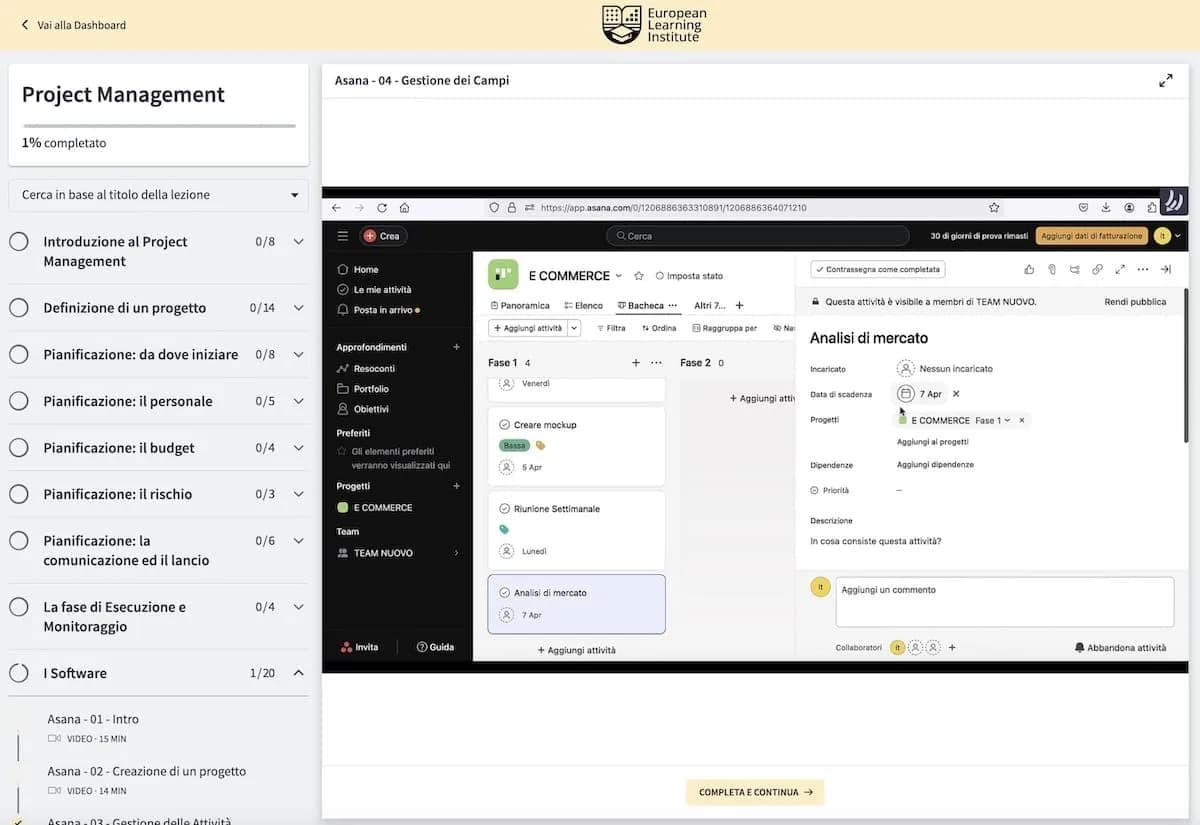
  • Plenty of practice beyond theory
  • Unlimited calls with your mentor
  • Lessons both written (step-by-step) and video
  • Recognized final certificate
  • 24/7 support (Email, Chat and Call)
EULE Institute students — on-demand online courses
Frequently asked questions

Frequently asked questions

Is the course online only?

Yes, all the material is always available online. Calls and reviews with the mentor can happen wherever and whenever you want, for continuous support.

Who is the course for?

For anyone who wants to get into design, students starting a digital career, and designers looking to update their UX skills.

I work all day, how can I manage?

The courses are designed for people with little time: study whenever you want, there's no deadline, and the mentors always support you.

How long does it take to complete?

It depends on how much time you can dedicate. On average, our students complete it in about 8-10 weeks.

How do the calls with the mentor work?

Calls are unlimited until you obtain the certification. You're supported by a Senior UX Designer with international experience.

Does the course provide a certification?

Yes. On completion, with all exercises approved by your mentor, you receive a certificate also signed by the mentor and available for references.

Dedicated Italian version on corsoux.it

Enroll now

Ready to start?

Immediate access to all content, a personal mentor and a final certification. Start today.

€647

UI & Visual Design Course

€647

Enroll